
Blog
Gaming Room Wall Frames: A Classy Setup Guide

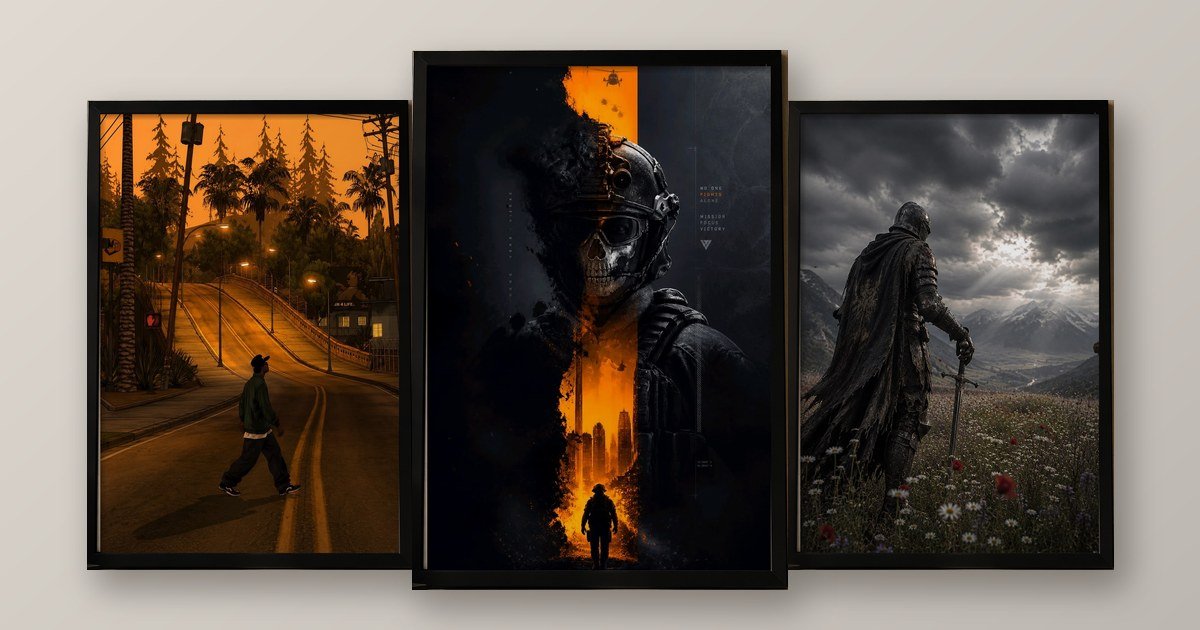
Gaming room wall frames look best on the side wall, not directly behind the screen, in one consistent frame colour. Check reflections from your chair before you drill. Choose two or three dark, cinematic pieces that match your lighting, and leave empty space around them.
Most gaming rooms fight for attention. There is RGB on the desk, RGB on the shelf and RGB on the ceiling. Then a random poster gets stuck on the wall with tape. That is why I believe gaming room wall frames need a calmer, classier plan.
In this guide, I explain how to choose frames, where to hang them, how to avoid glare and how to look good on stream. I also share a simple 3-3-3 rule. If your desk doubles as a workspace, our guide to office wall frames may help too.
Which gaming room wall frames suit your setup?
Start with how you play. A competitive shooter fan wants sharp, dark art. A story-game lover wants cinematic landscapes. This table is the quick version I would give a friend.
| Setup type | Frame style | Why it works |
|---|---|---|
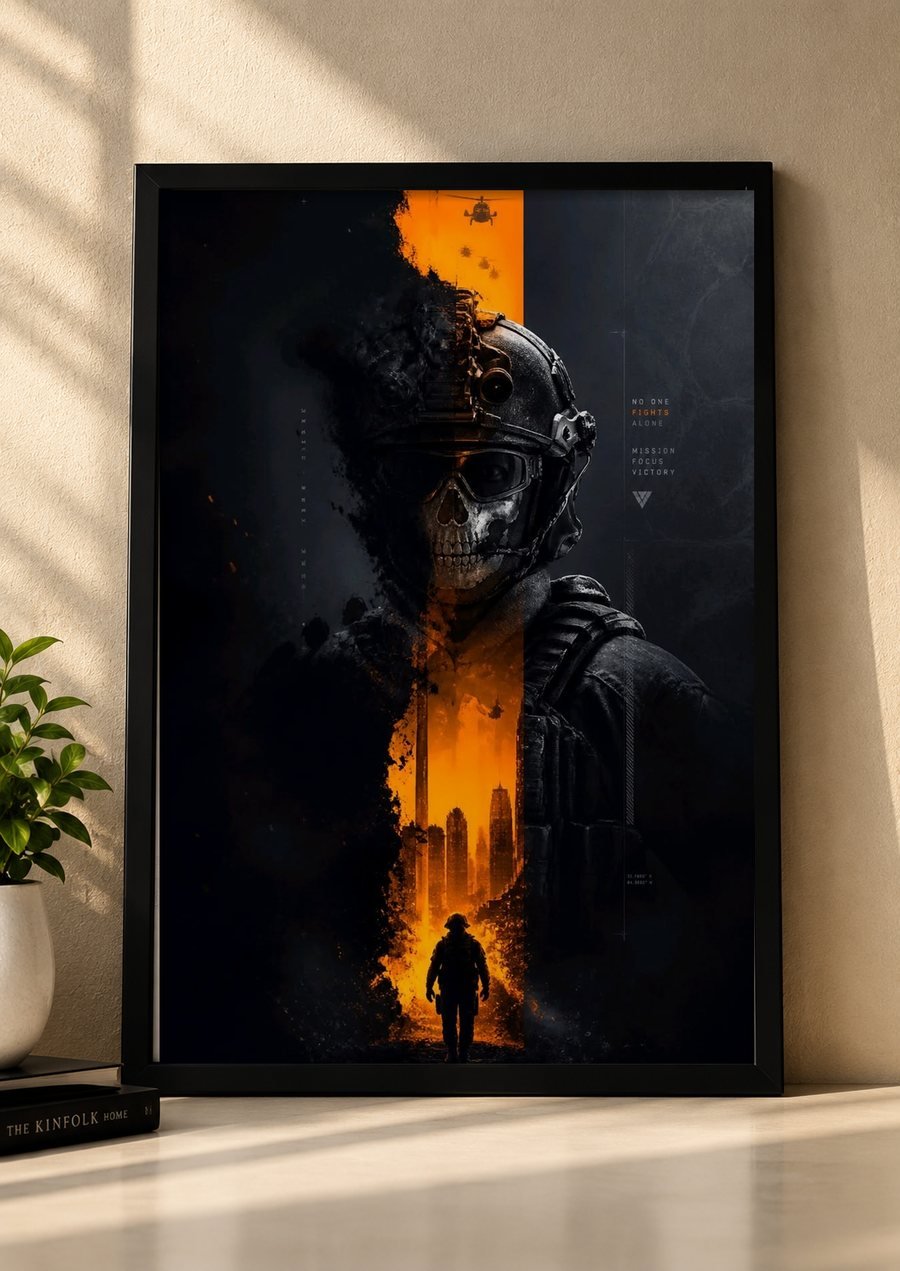
| Competitive shooter fan | Dark tactical art with one accent colour | Matches focused, low-light sessions |
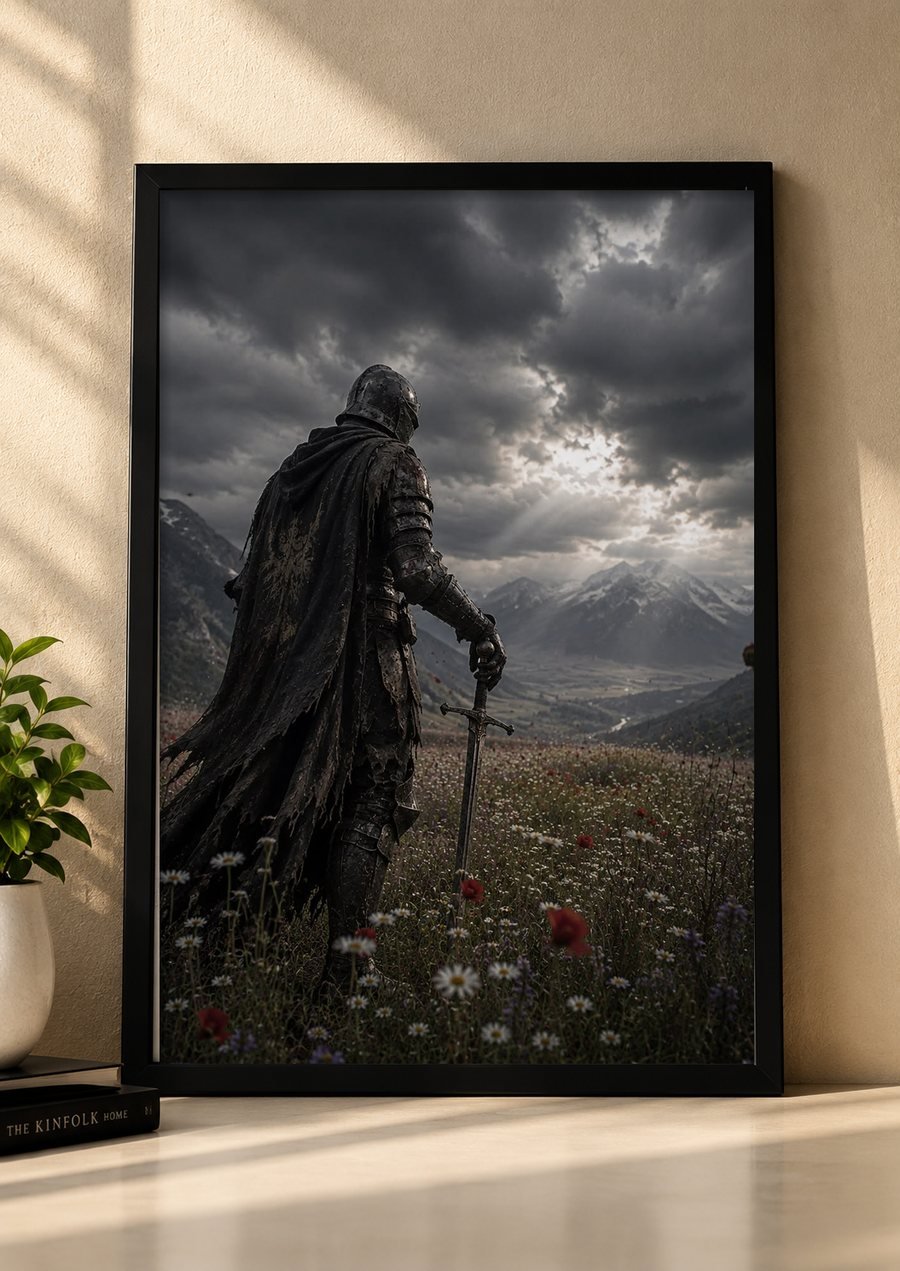
| Story and open-world fan | Cinematic fantasy or landscape scenes | Feels like a movie still on the wall |
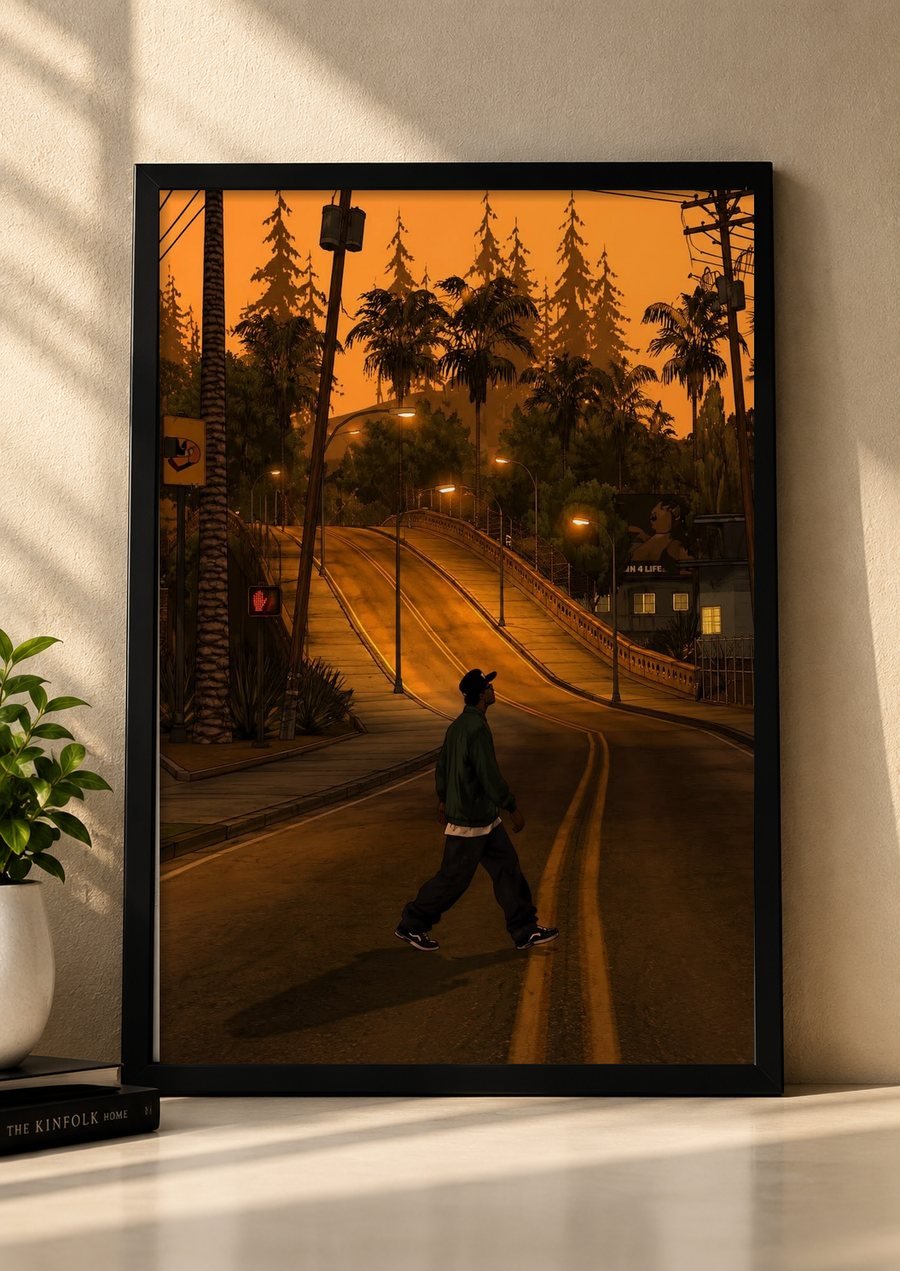
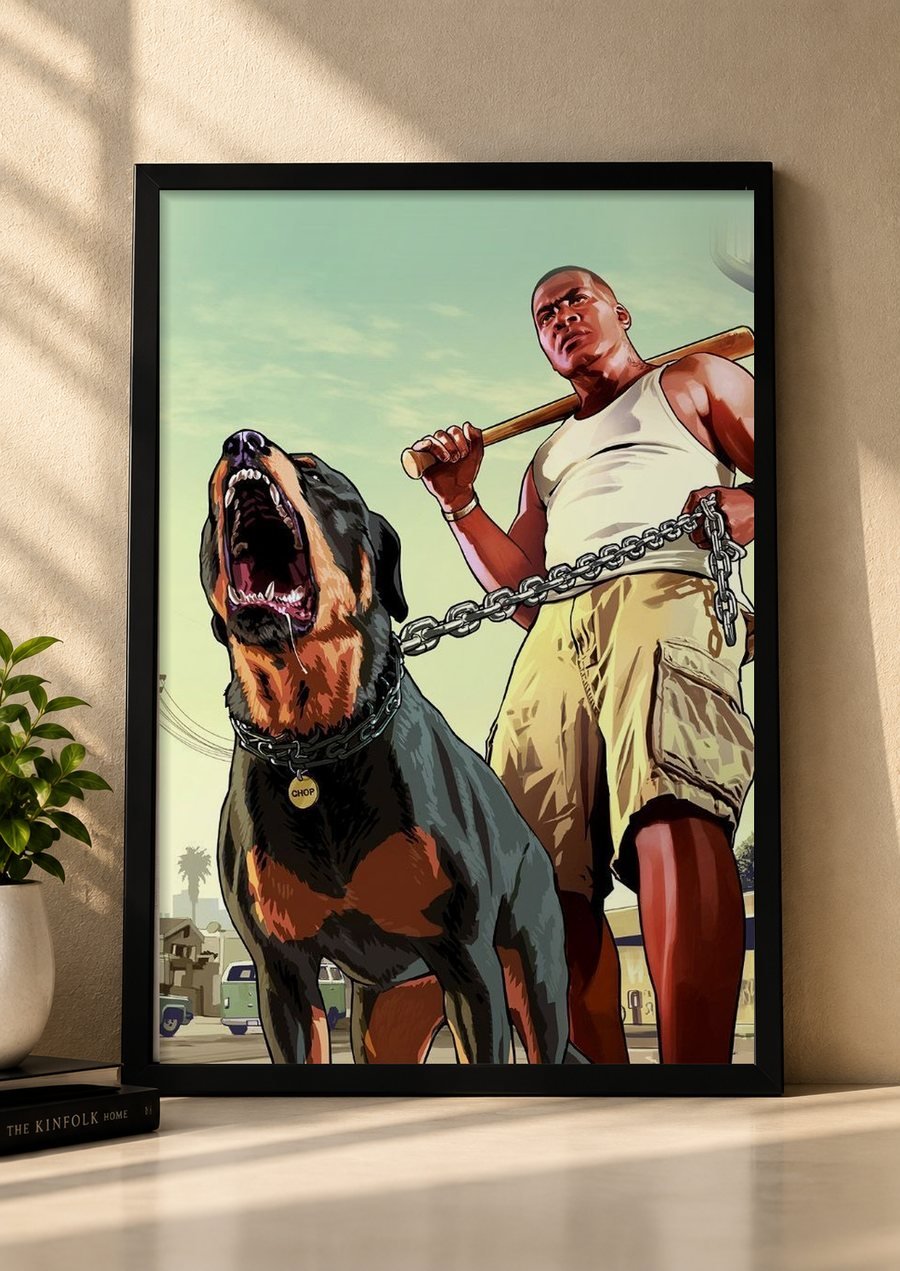
| Open-world city fan | Stylised street or sunset art | Warm colours soften a dark room |
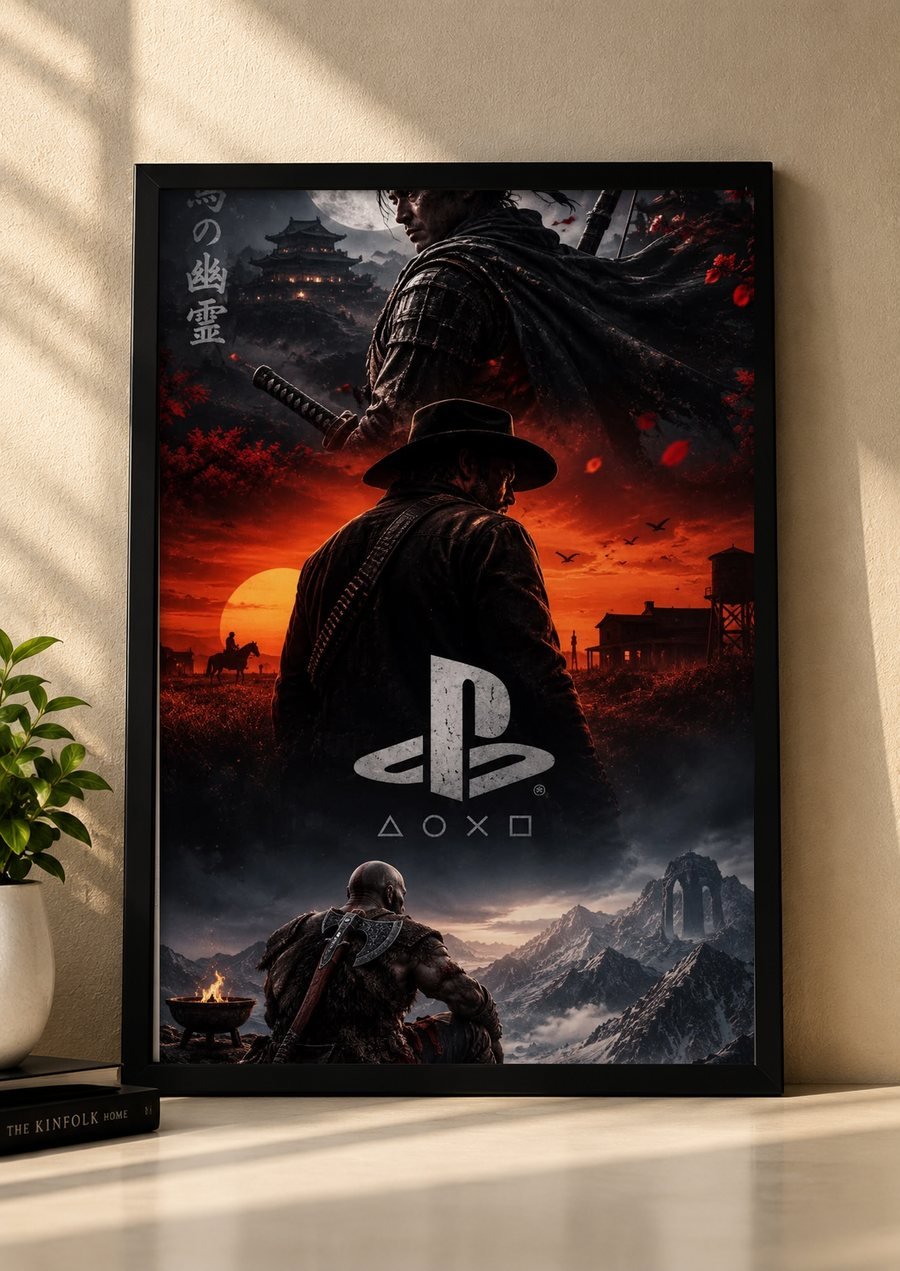
| Console collector | A multi-world hero poster | One piece tells a whole story |
| Streamer | One hero frame on a clean wall | Looks tidy and consistent on camera |
Where should you hang gaming room wall frames?
Think of your room as three walls. Each wall has a different job, and that decides what belongs on it.
- The wall behind the screen. Skip it. The monitor lights it all session, so frames there compete with the display.
- The side wall. This is the best spot. You see it often, and it rarely fights the screen.
- The wall behind your chair. Use it for a hero piece if you stream or take video calls.
Here is my favourite test. I call it the chair test. Sit in your gaming chair, put a bright scene on screen and look at each frame. If you see a reflected rectangle of light, move the frame. Setup guides warn that bright reflections can bounce off glossy monitors, glass desk mats and framed posters, so this check really matters.
How do you hang gaming room wall frames for streaming?
Your background shows up in every clip. Streaming guides agree that a clean wall looks better on camera than a cluttered shelf. So keep it simple: one hero frame, not six.
Place the frame about a hand-width away from your head and shoulders, so you do not cover it. Also remember that a webcam above the monitor looks down at you and shows more ceiling than wall. Test the shot before you drill, because a frame that looks perfect to your eyes can sit out of shot.
How high should you hang gaming room wall frames?
Hang the centre at 57 inches (145 cm) from the floor for frames seen standing. The Toledo Museum of Art’s hanging guide uses the same centre line. For frames mostly seen from a chair, hang a little lower. Some framing guides suggest about 48 to 52 inches for seated viewing.
Above a desk shelf or console, leave about 6 to 10 inches between the furniture and the frame. Between frames, keep 2 to 3 inches.
How do you light gaming room wall frames?
Light makes dark art glow instead of disappear. Many setup guides recommend bias lighting behind the monitor, because it softens the contrast between a bright screen and a dark room and eases eye strain. Keep it moderate, so it does not compete with the screen.
For frames, use a small, low-brightness light and aim it at the wall beside the frame, not straight at the front. Otherwise, you create glare. Also remember that one focused lit section looks more intentional than lights across every wall.
What is my 3-3-3 rule for gaming room wall frames?
This is the framework I recommend for a classy wall. It is simple, and it stops the clutter before it starts.
- Three frames at most. More than three starts to look like a collection, not a design.
- Three colours at most. Match the posters to your lighting, for example orange, black and grey.
- Three inches between frames, or less. Equal gaps make the group feel planned.
[INSERT: a real Wall Aura customer story or photo here, for example how a gamer chose frames for a first dedicated setup.]
Which mistakes should you avoid?
- Hanging behind the monitor. The screen’s light and reflections spoil the effect.
- Choosing glossy fronts without a chair test. Always check reflections first.
- Mixing frame colours. Black, wood and white together look accidental.
- Clashing with RGB. If your lights shift colour, keep the posters neutral.
- Hanging heavy frames over equipment. A falling frame can destroy a monitor.
I would rather you hang three frames you love than ten you forget. Restraint is what makes a gaming room look premium. If you are decorating a rented room, our guide to hanging frames without drilling shows how to do it safely, and our wall frame gifts guide helps when you shop for another gamer.
Frequently asked questions
Where should I hang gaming room wall frames?
Hang them on the side wall or the wall behind your chair, not directly behind the monitor. The wall behind the screen is lit by the display, and frames there can pick up reflections.
How do I stop glare on gaming room wall frames?
Sit in your gaming chair with the screen on a bright scene, and look for reflected rectangles in each frame. Move any frame that shows reflections, and keep lamps away from the reflection angle.
How many frames should I hang in a gaming room?
Three is a good limit for most rooms. Use a hero piece and two supports, keep to three colours, and leave about 2 to 3 inches between frames so the wall stays calm.
How high should I hang gaming room wall frames?
Place the centre about 57 inches (145 cm) from the floor, or a little lower for pieces mainly seen from a chair. Above a desk shelf, leave roughly 6 to 10 inches.
Do gaming room wall frames look good on stream?
Yes, if the wall is clean. A single hero frame beside your head looks better on camera than a cluttered shelf. Keep it a hand-width away from your head and shoulders.
Is it safe to hang frames above a monitor?
Avoid heavy frames directly above monitors and equipment. If a frame falls, it can damage expensive gear. Choose a side wall, and use proper hooks or anchors rated for the weight.
Ready to finish your setup?
Browse the Wall Aura shop to see what is available now. Not sure which poster suits your lighting? Message us through the contact page or on WhatsApp at +92 3099661277. There is no pressure to buy, and I am glad to help.